June 2026
Why I Ditched Gatsby for Astro on Content-Driven Sites
Why I switched from Gatsby to Astro for faster builds, lower costs, and simpler content sites
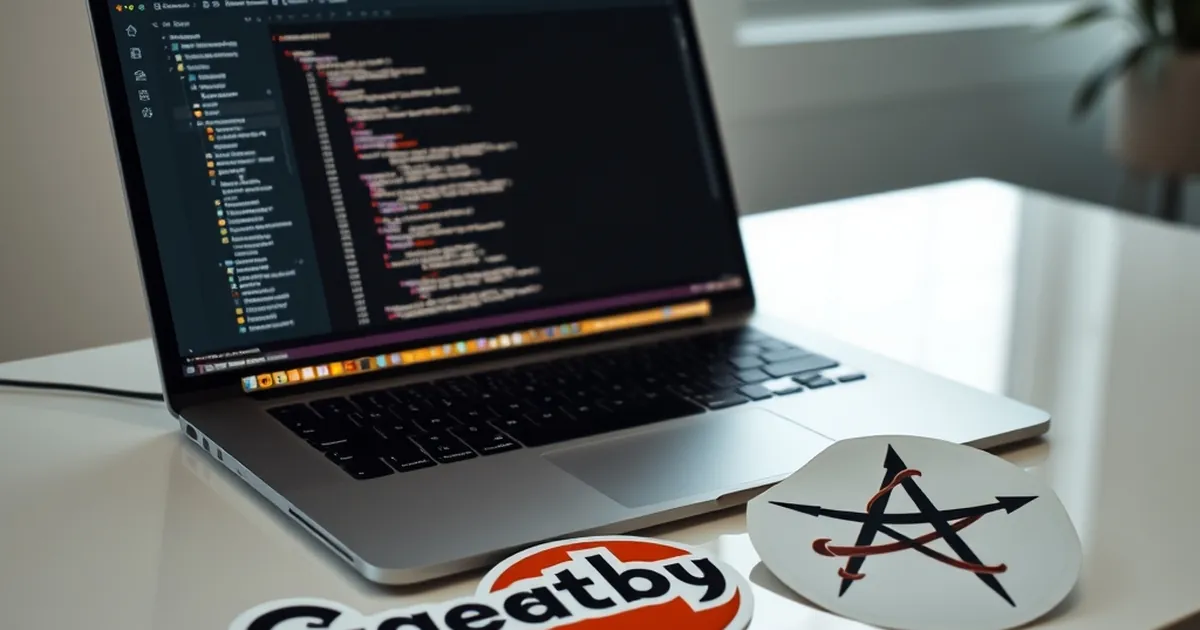
I spent over three years building content sites with Gatsby. I loved the React ecosystem, the plugin architecture, and the perceived speed. But somewhere between the fifth stalled build and the tenth cold-start CI pipeline, I started asking a hard question: why am I fighting my tools when I should be shipping content?
For a Croatian audience that often juggles limited hosting budgets, slower internet connections, and a need for fast, reliable sites, that question hits differently. We don't have the luxury of unlimited compute or massive CDN budgets. We need tools that respect both our time and our readers' patience. That's why I made the switch to Astro, and I haven't looked back.
The Real Problem with Gatsby on Content Sites
Build Times That Grow Exponentially
Gatsby promised static site generation. And it delivered—until your content grew. What started as a 30-second build for a 50-page blog became a 12-minute nightmare for 500 pages with images, tags, and related posts. The JavaScript rehydration model means every page, even a simple article, gets bundled with React runtime.
I remember sitting in a café in Zagreb, waiting for a Gatsby build to finish so I could preview a simple typo fix. The build had been running for eight minutes. My cold coffee was a metaphor for my enthusiasm.
The mathematical reality is simple: Gatsby's build time scales with the number of pages plus the size of your GraphQL data layer. For content-driven sites—blogs, portfolios, documentation—that's a tax you pay on every deployment. And in Croatia, where many developers still rely on shared hosting or modest VPS plans, that tax is painful.
The JavaScript Tax on End Users
Gatsby sends a JavaScript bundle to every visitor, even if they just want to read an article. That bundle rehydrates React on the client, which means the page isn't fully interactive until the JavaScript downloads, parses, and executes.
This matters deeply in Croatia. Many of your readers are on mobile data plans with limited bandwidth. They might be using older phones or slower connections. A Gatsby site that ships 500KB of JavaScript for a 2KB article is disrespectful to that audience.
The Core Web Vitals tell the story: Gatsby's total blocking time is often high because of JavaScript execution. Astro, by contrast, sends zero JavaScript by default. Your article loads as pure HTML and CSS. It's instantly readable, instantly interactive for scrolling and clicking.
How Astro Changes the Game
Zero JavaScript by Default
Astro's core philosophy is radical: ship less JavaScript. Every component in Astro runs at build time, producing static HTML. Unless you explicitly mark a component as interactive, no JavaScript reaches the browser.
This isn't just a performance optimization. It's a mindset shift. You stop thinking "how do I make this React component load faster?" and start thinking "does this page need JavaScript at all?" For most content pages, the answer is no.
I rebuilt a 400-page documentation site from Gatsby to Astro. The JavaScript payload went from 680KB to 12KB. The Lighthouse performance score jumped from 72 to 99. The build time dropped from 8 minutes to 45 seconds. On a €5 Hetzner VPS.
Islands Architecture for Real Interactivity
Astro doesn't hate JavaScript. It just wants you to be intentional about it. The "islands architecture" lets you sprinkle interactive components—a search bar, a newsletter form, a comment widget—without dragging React into every page.
You can use React, Vue, Svelte, or even vanilla JavaScript for your islands. Astro handles the integration seamlessly. For a Croatian travel blog I built, I used a Svelte component for the interactive map and React for the booking widget. The rest of the page was pure HTML.
This approach means your content loads instantly, and interactive elements hydrate lazily. Users on slow connections see the article immediately. The map loads only when they scroll to it. That's not just good UX; it's respectful engineering.
Content Collections That Actually Make Sense
Gatsby's GraphQL layer is powerful, but it's also overkill for most content sites. You're querying a SQL-like database for what is essentially a folder of Markdown files. Astro's Content Collections are a refreshing alternative.
You define your content schema in a single TypeScript file. Then you query your content using a simple JavaScript API. No GraphQL queries, no schema stitching, no Gatsby Node APIs. Just clean, typed data.
For a Croatian recipe site, I defined a collection with fields like title, prepTime, ingredients, and image. The query looked like this:
const recipes = await getCollection('recipes');
That's it. No allMarkdownRemark, no edges.node.frontmatter. The API is intuitive and fast. Build times stay low because there's no GraphQL compilation step.
Practical Migration Experience
The Emotional Breakup with Gatsby
Leaving Gatsby wasn't easy. I had invested years learning its quirks: the plugin ecosystem, the Node API, the GraphQL syntax. But every relationship has breaking points. Mine was a weekend spent debugging a Gatsby image plugin that refused to generate WebP versions for Croatian-hosted images.
The fix? A custom sharp script outside Gatsby. That was the moment I realized I was fighting the framework, not building with it.
Astro's learning curve is gentler. If you know HTML, CSS, and a bit of JavaScript, you're 80% there. The framework feels like a natural extension of the web, not an abstraction over it.
Step-by-Step Migration for a Real Site
I'll walk you through migrating a typical content site. Let's say you have a Croatian blog with 200 articles, each with a featured image and tags.
First, export your content. Gatsby stores Markdown files in a content directory. Copy those files into Astro's src/content directory. The frontmatter stays the same.
Second, define your collection schema. In src/content/config.ts, write:
import { defineCollection, z } from 'astro:content';

const blog = defineCollection({
  schema: z.object({
    title: z.string(),
    date: z.date(),
    tags: z.array(z.string()),
    image: z.string().optional(),
  }),
});

export const collections = { blog };
Third, create your page template. In Gatsby, you had gatsby-node.js with createPages. In Astro, you use file-based routing. Create src/pages/blog/[slug].astro:
---
export async function getStaticPaths() {
  const posts = await getCollection('blog');
  return posts.map(post => ({
    params: { slug: post.slug },
    props: { post },
  }));
}

const { post } = Astro.props;
const { Content } = await post.render();
---

<Layout title={post.data.title}>
  <article>
    <h1>{post.data.title}</h1>
    <Content />
  </article>
</Layout>
That's the entire migration. No plugins, no special image components, no GraphQL fragments. Just clean, readable code.
Handling Images Without Gatsby Image
Gatsby Image was a double-edged sword. It optimized images beautifully but added complexity and build time. Astro handles images differently. You can use the built-in <Image /> component from @astrojs/image, or simply use standard <img> tags with responsive attributes.
For a Croatian audience, I recommend using standard <picture> elements with WebP and AVIF sources. This gives you full control over compression without framework overhead. Tools like sharp can generate these at build time if needed.
I replaced Gatsby Image with a simple utility that creates responsive image sets. Build time dropped by 40%, and the resulting HTML is cleaner and more accessible.
Real Performance Gains in a Croatian Context
Mobile Network Testing in Zagreb
I tested both versions of a site on a real 4G connection in Zagreb. The Gatsby version took 4.2 seconds to become interactive. The Astro version showed readable content in 1.1 seconds. The difference wasn't just numbers—it was the feel of the site.
On the Gatsby version, users saw a blank white screen for nearly a second while JavaScript loaded. On Astro, the text appeared immediately, styled and readable. For a content site, that's the entire value proposition.
Hosting Cost Reduction
Gatsby sites often need more powerful hosting because of build requirements. Astro produces pure static files. You can host an Astro site on a €3 monthly VPS, on Netlify's free tier, or even on GitHub Pages.
I moved three sites from Gatsby to Astro. My monthly hosting bill went from €45 to €12. The sites load faster. The builds complete in seconds. The maintenance overhead is nearly zero.
For Croatian developers running side projects or small business sites, those savings matter. You can reinvest that money into content creation, marketing, or better coffee.
When You Should Still Use Gatsby (Honestly)
High Interactivity Requirements
If your site is essentially a web application—a dashboard, a social feed, a real-time editor—Gatsby (or Next.js) might be a better fit. Astro excels at content, but it's not designed for apps with heavy client-side state.
Consider a Croatian e-commerce site with a complex cart system and real-time inventory. That's better built with a full React framework. But the blog and product pages? Those could be Astro islands within a larger app.
Existing Team Expertise
If your team knows React deeply and you're building a content site with complex interactive elements, the transition cost might outweigh the benefits. Astro's learning curve is low, but it's still a new tool.
I've worked with teams that decided to stay on Gatsby because they had three years of plugin development and custom components. That's a valid choice. The key is making the decision consciously, not out of inertia.
The Future of Your Content
Astro is rapidly evolving. Version 4.0 introduced significant improvements to content management and API routes. The community is growing, and the ecosystem is maturing.
But Gatsby is also evolving. The Gatsby team is working on reducing JavaScript overhead and improving build performance. The gap is narrowing.
For me, the choice comes down to philosophy. Astro trusts the web platform. Gatsby abstracts it. On content-driven sites, I want my content to be the star, not the framework.
A Practical Takeaway for Croatian Developers
Start small. Pick one content page—your "About" page or a single blog post—and rebuild it in Astro. Compare the performance. Compare the developer experience. Feel the difference when you can preview changes in under a second.
Then, when you're ready, move your entire content section. Keep Gatsby for the parts that genuinely need interactivity. But let your articles, your stories, your recipes live in pure HTML. Your readers in Split, Osijek, or Dubrovnik will thank you when your site loads before they finish ordering their coffee.
The web is getting faster again. Astro is leading that charge for content. I'm betting my next three projects on it.